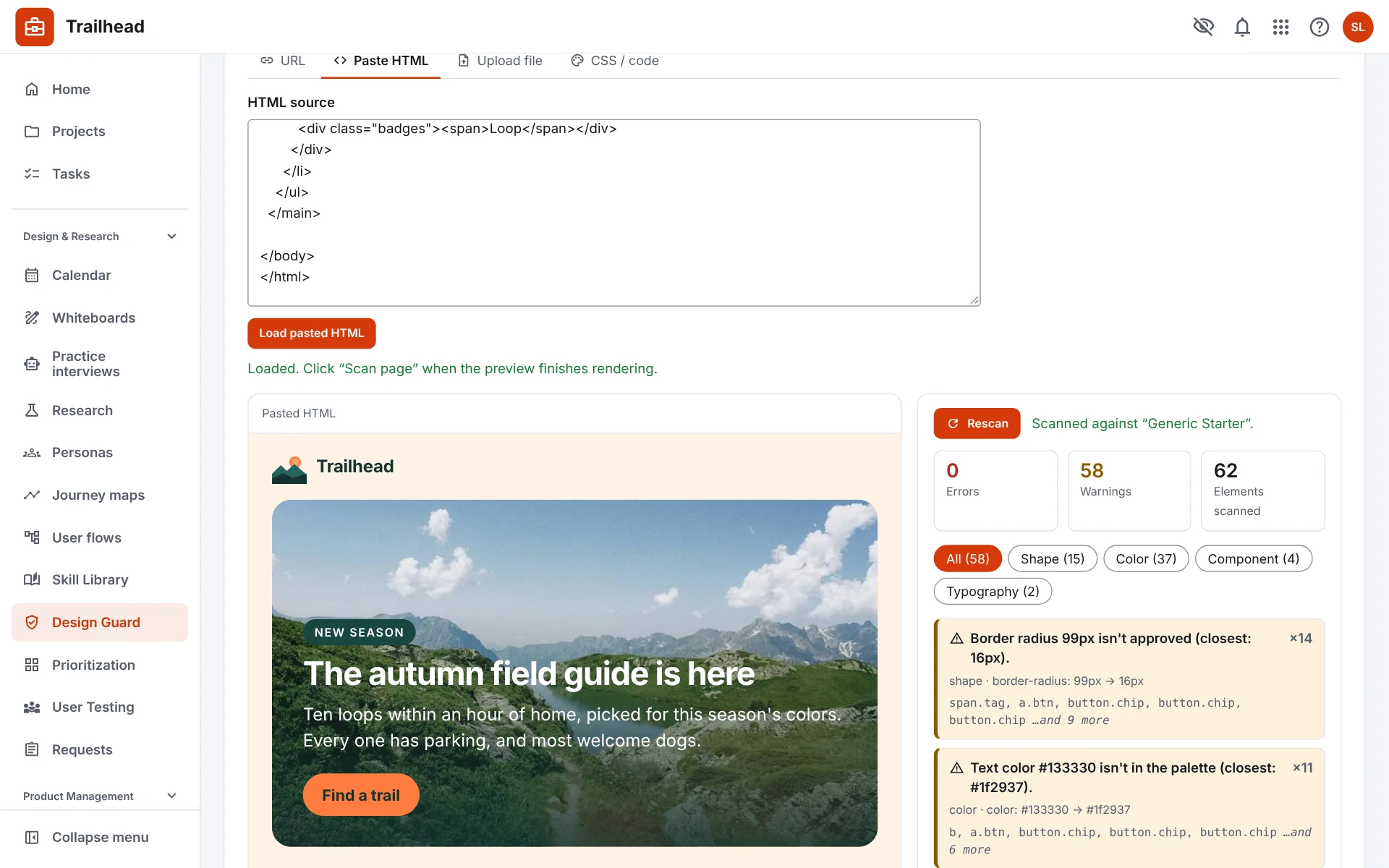
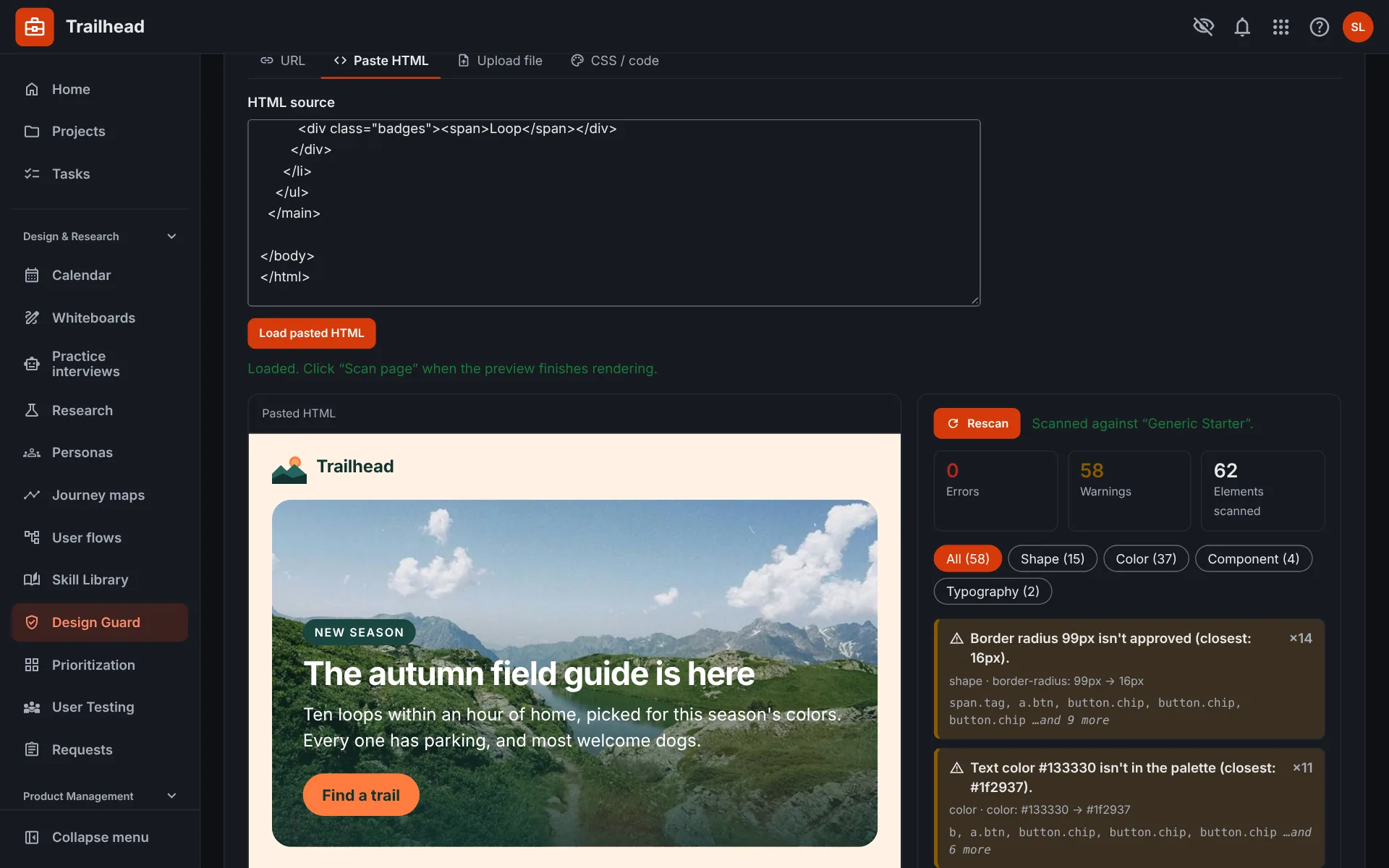
Design Guard
Check any page against your design system and for accessibility problems, and share the report.
Gestalt System PM brings projects, research, reviews, documents and sign-offs together for design and product teams, with AI-assisted tools that draft the documents you would otherwise start from a blank page.
The demo is a working workspace with sample projects. Nothing you do there changes anything.
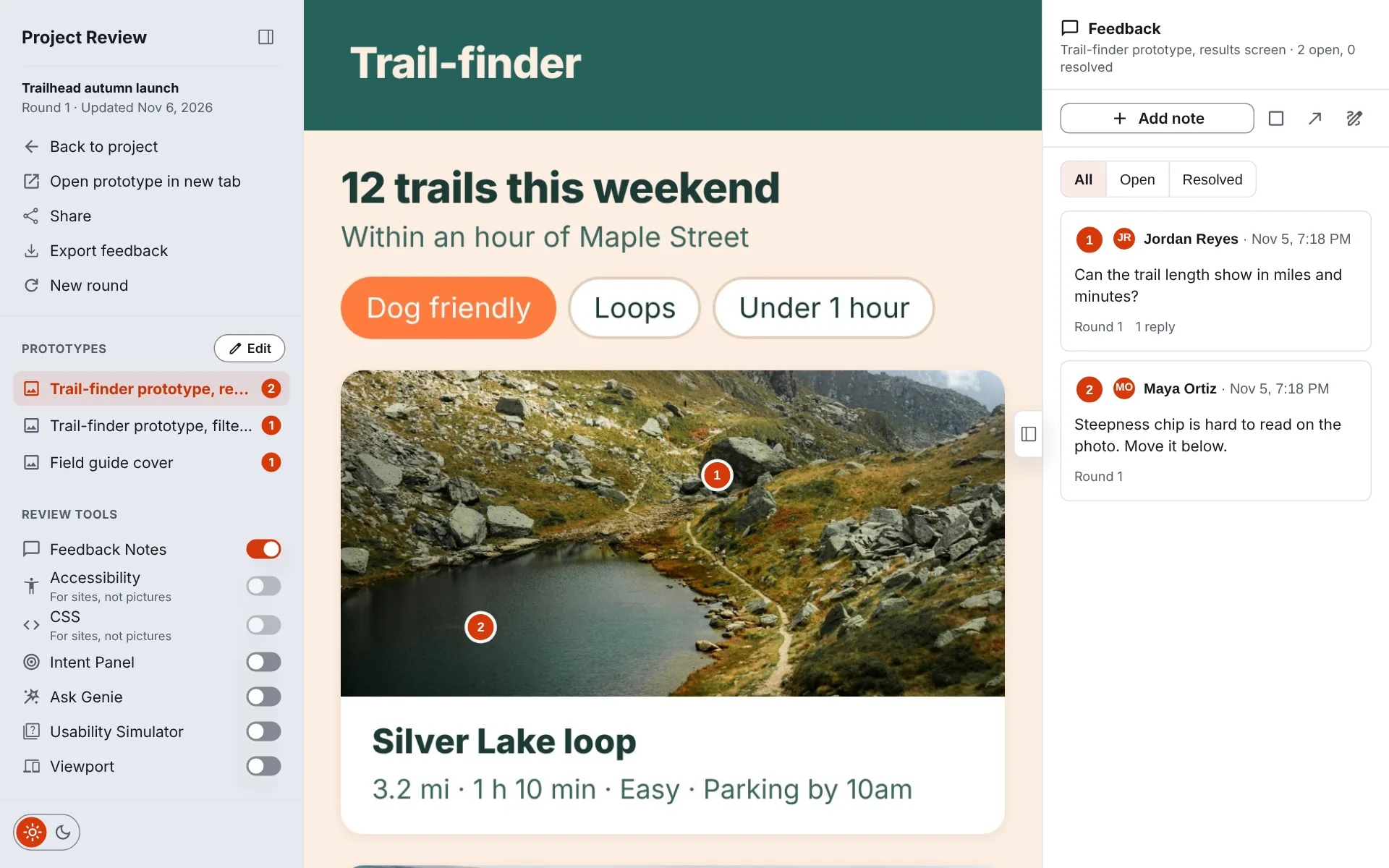
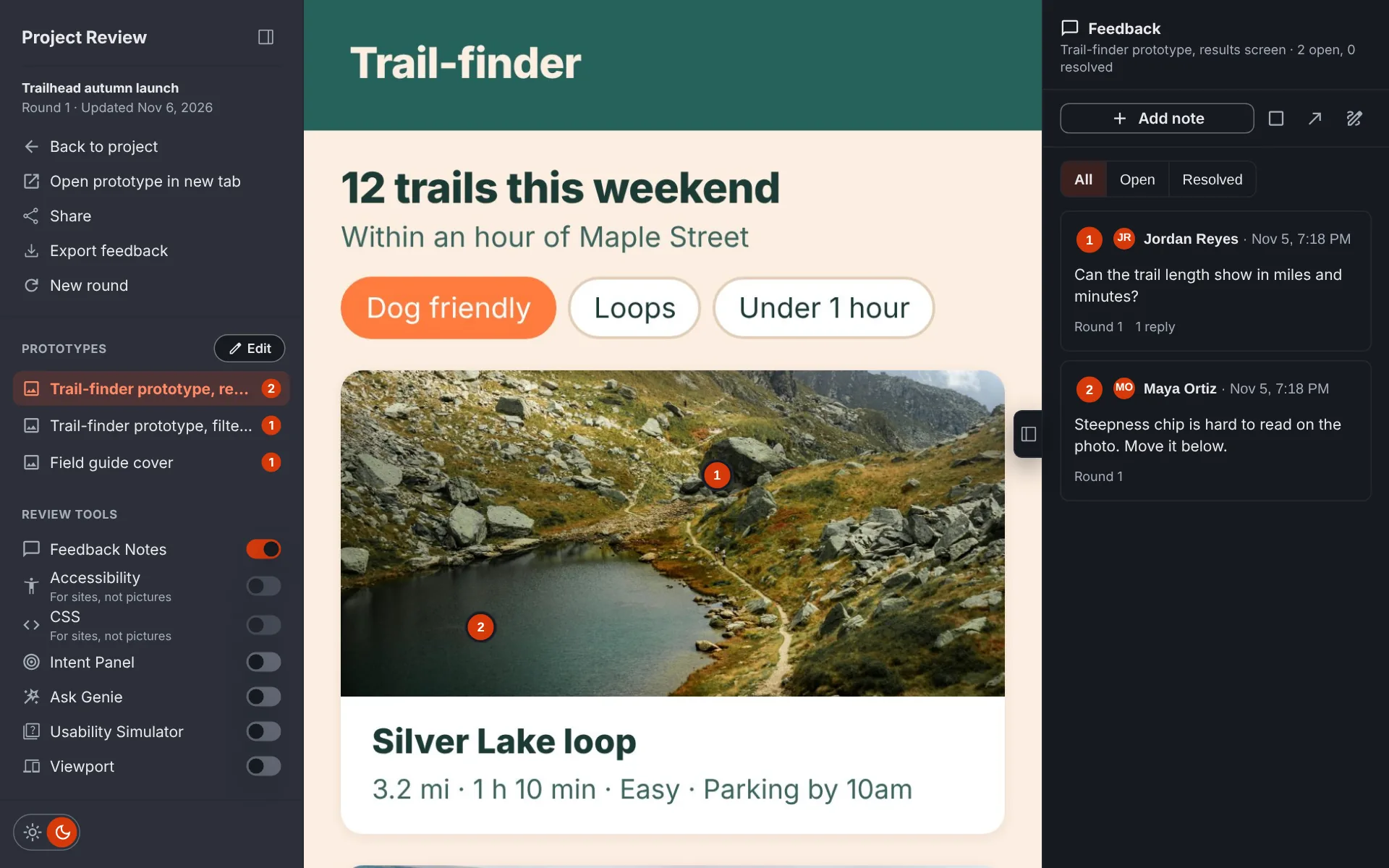
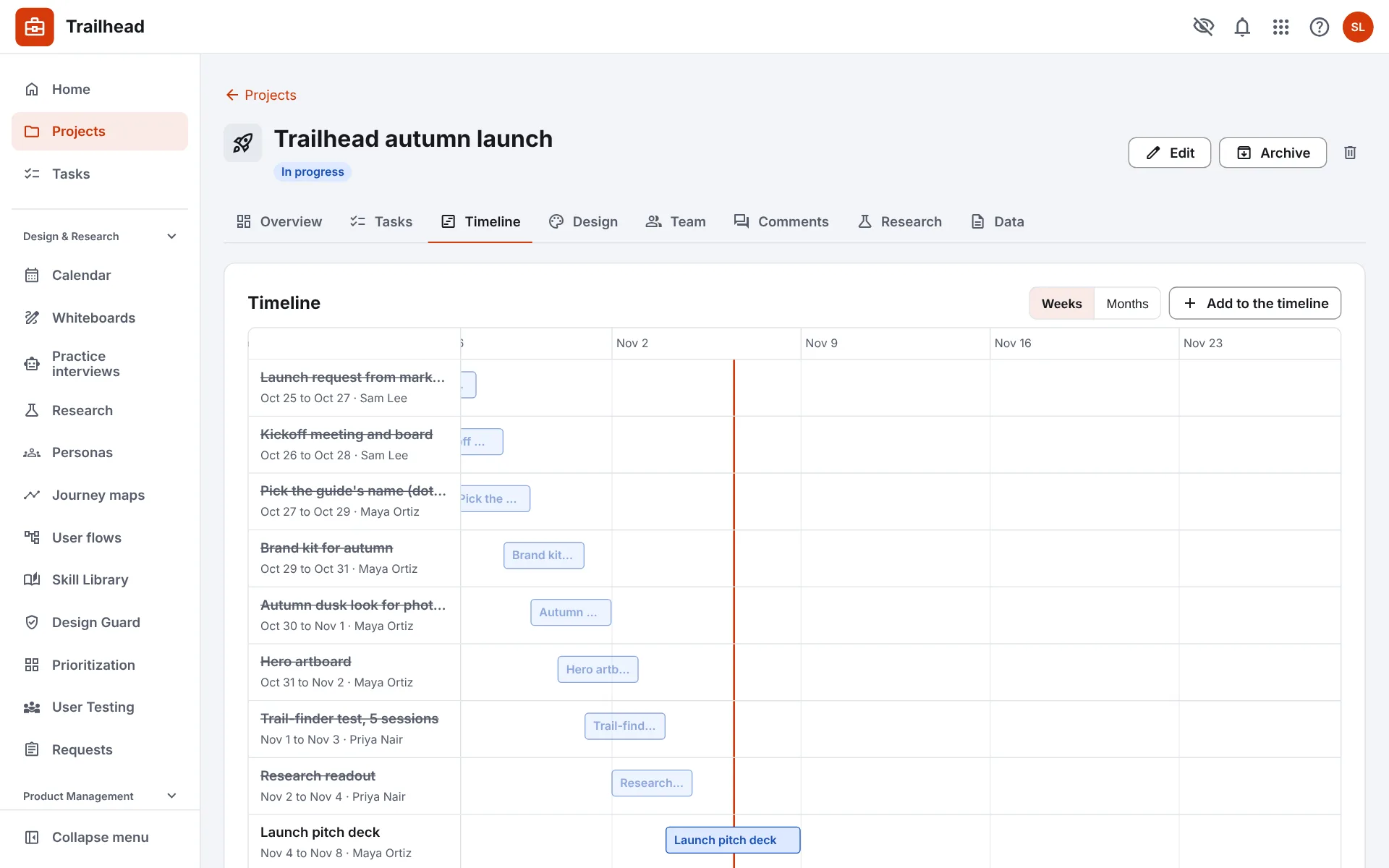
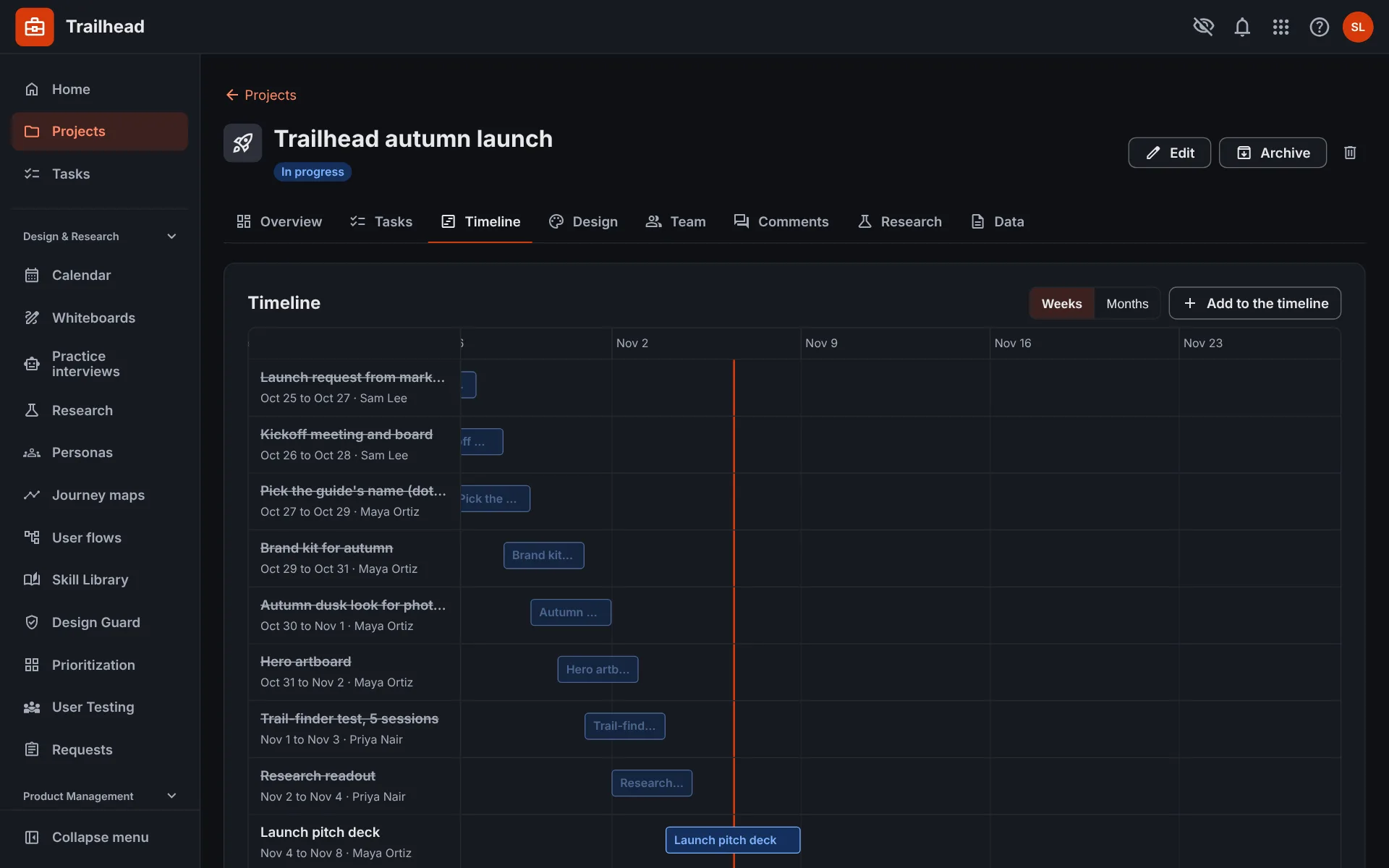
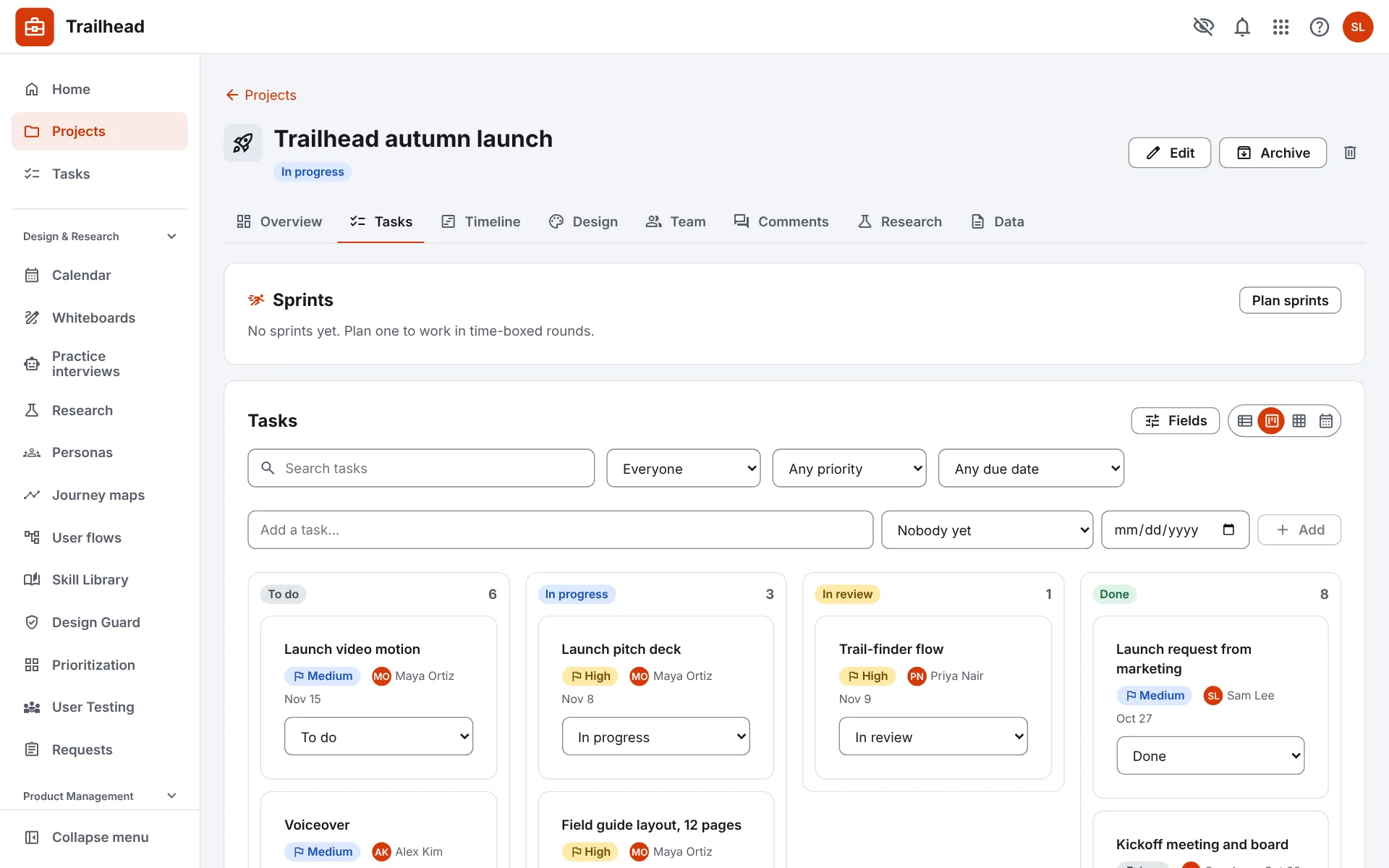
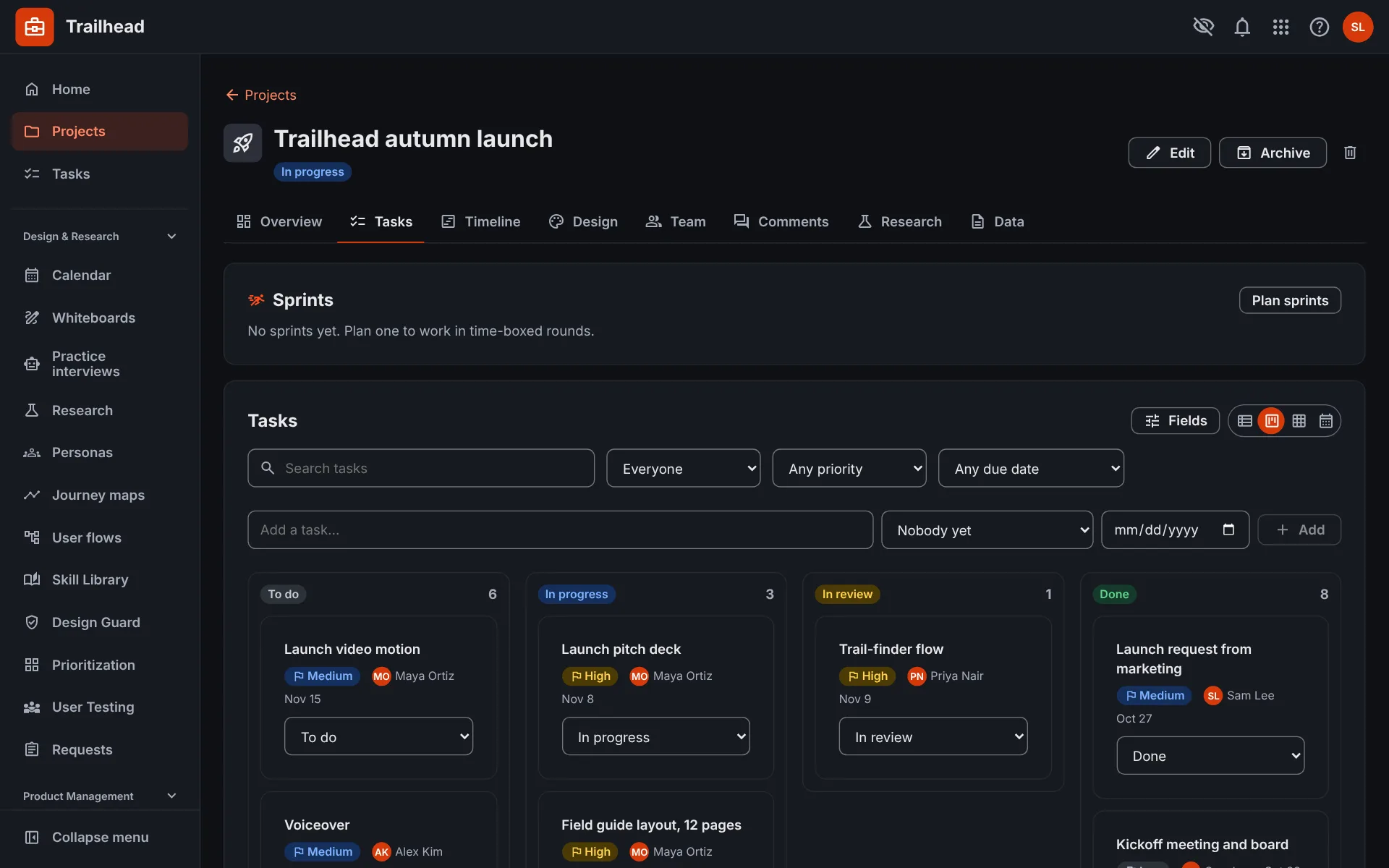
Screens show a made-up team and sample data.
Check any page against your design system and for accessibility problems, and share the report.
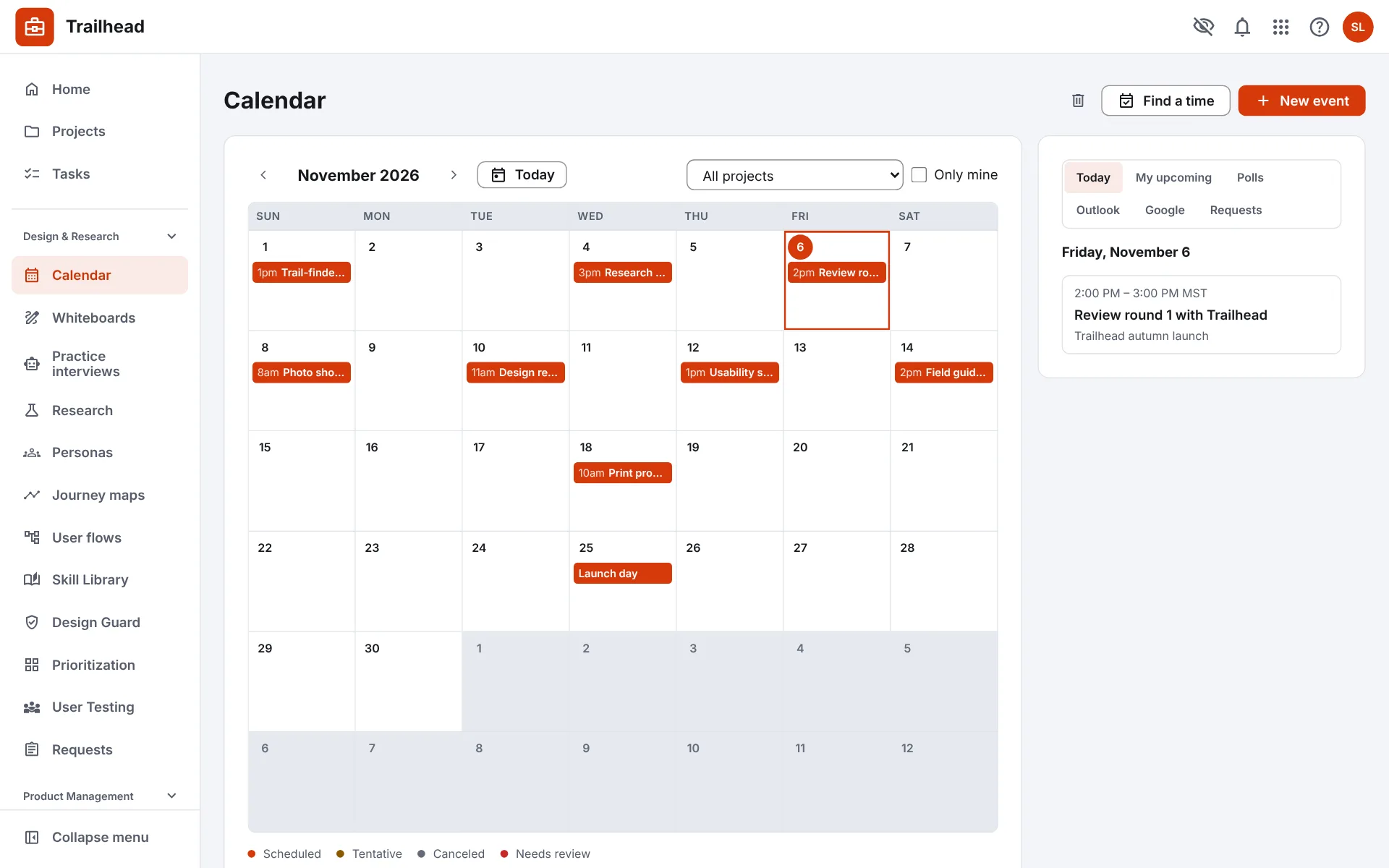
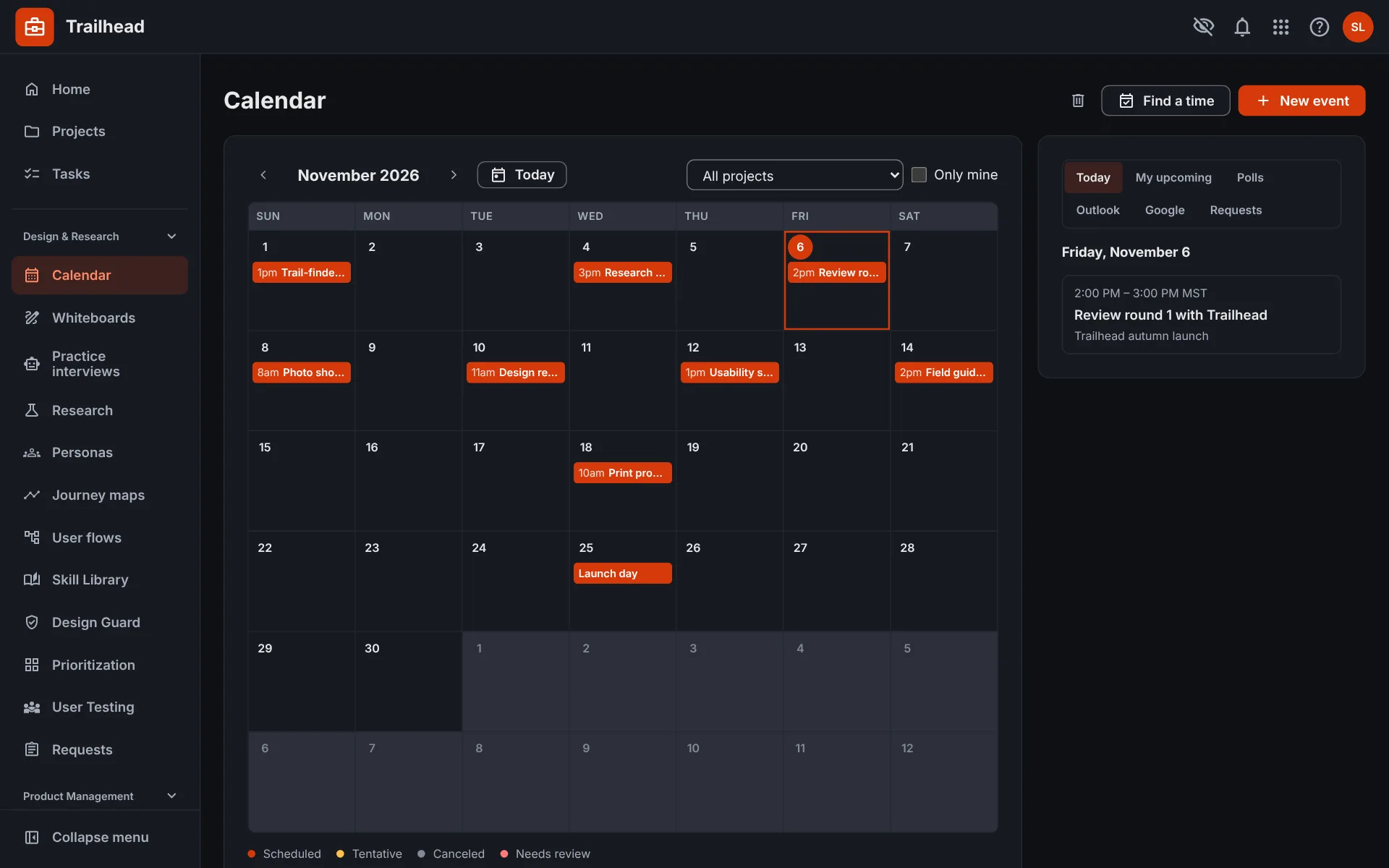
Plan events with the team, and let anyone, even people without an account, pick a time that works.
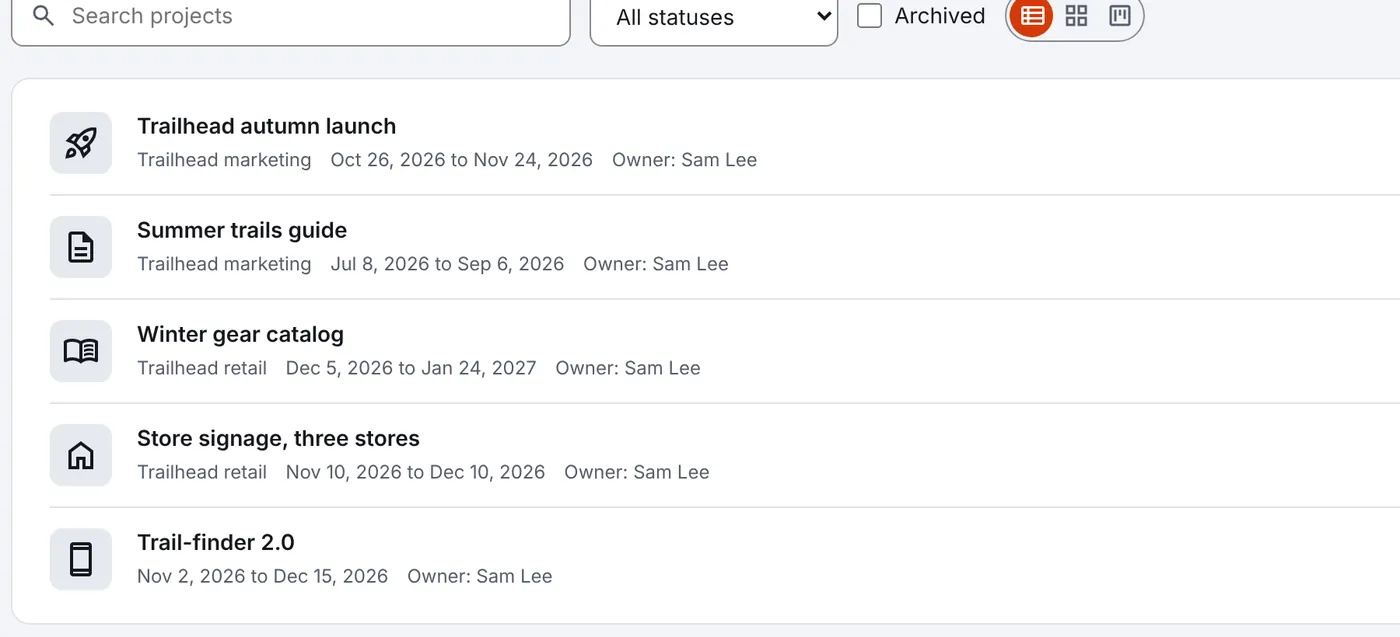
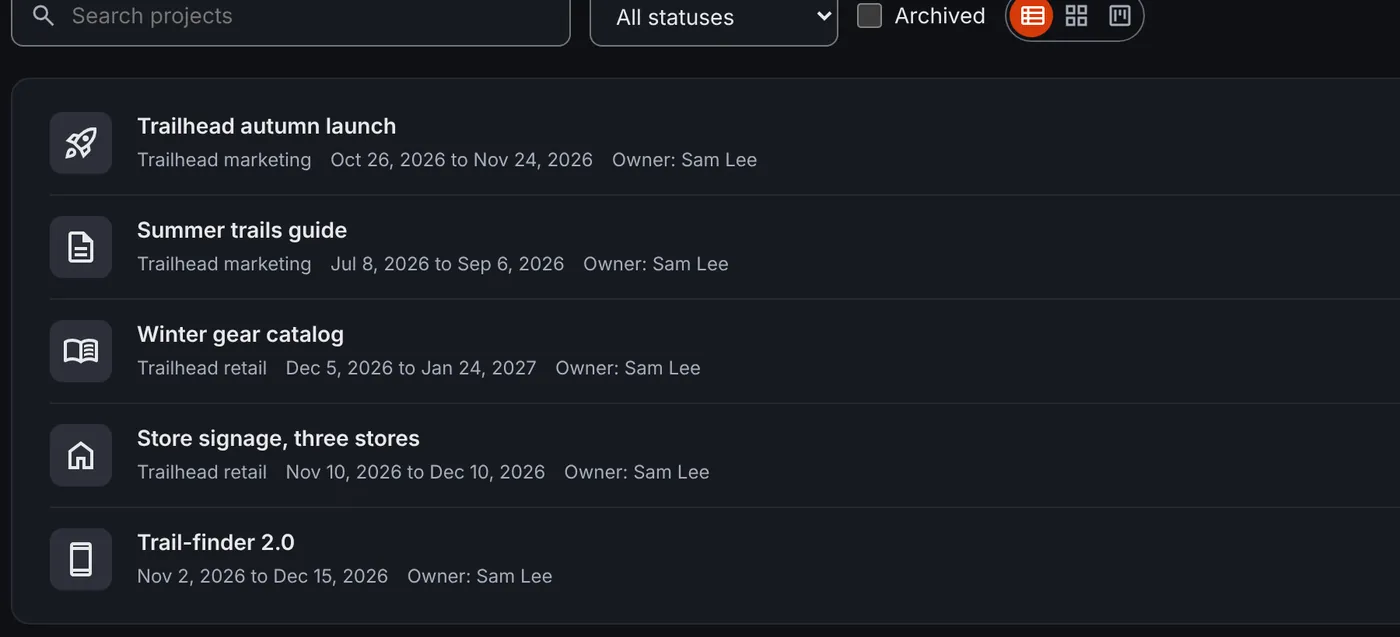
Status, dates, tasks, timelines and the team on each project, with status updates drafted with AI.
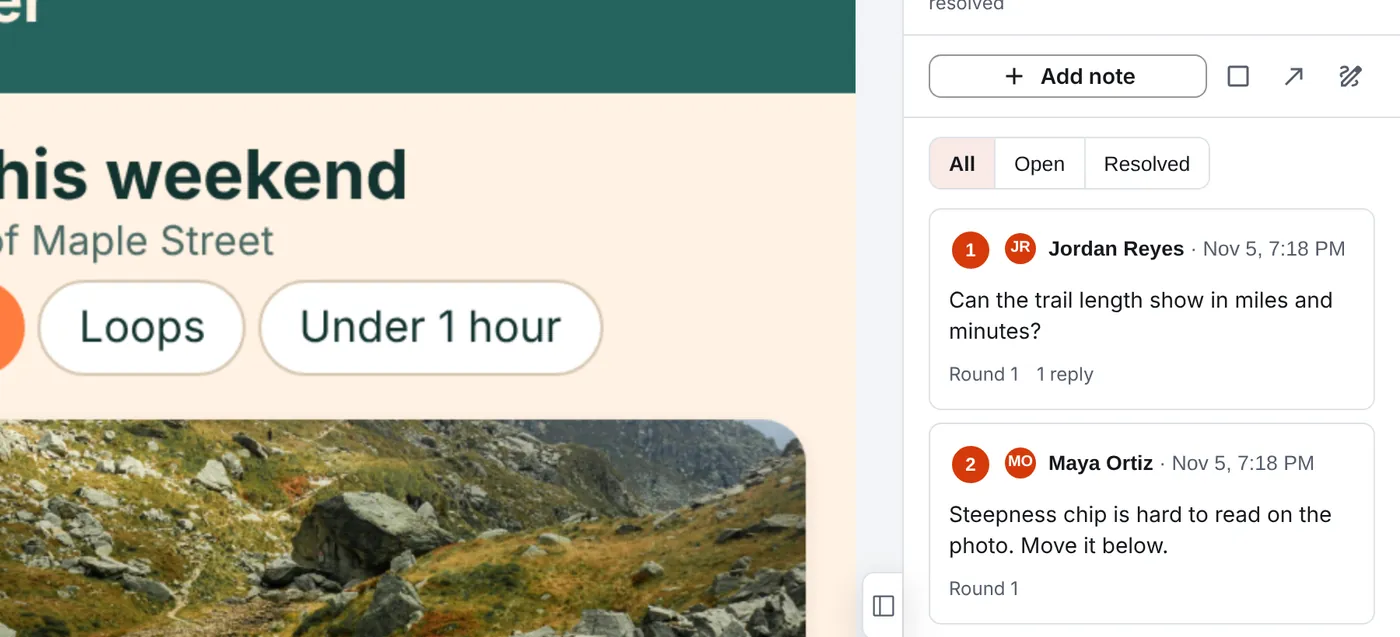
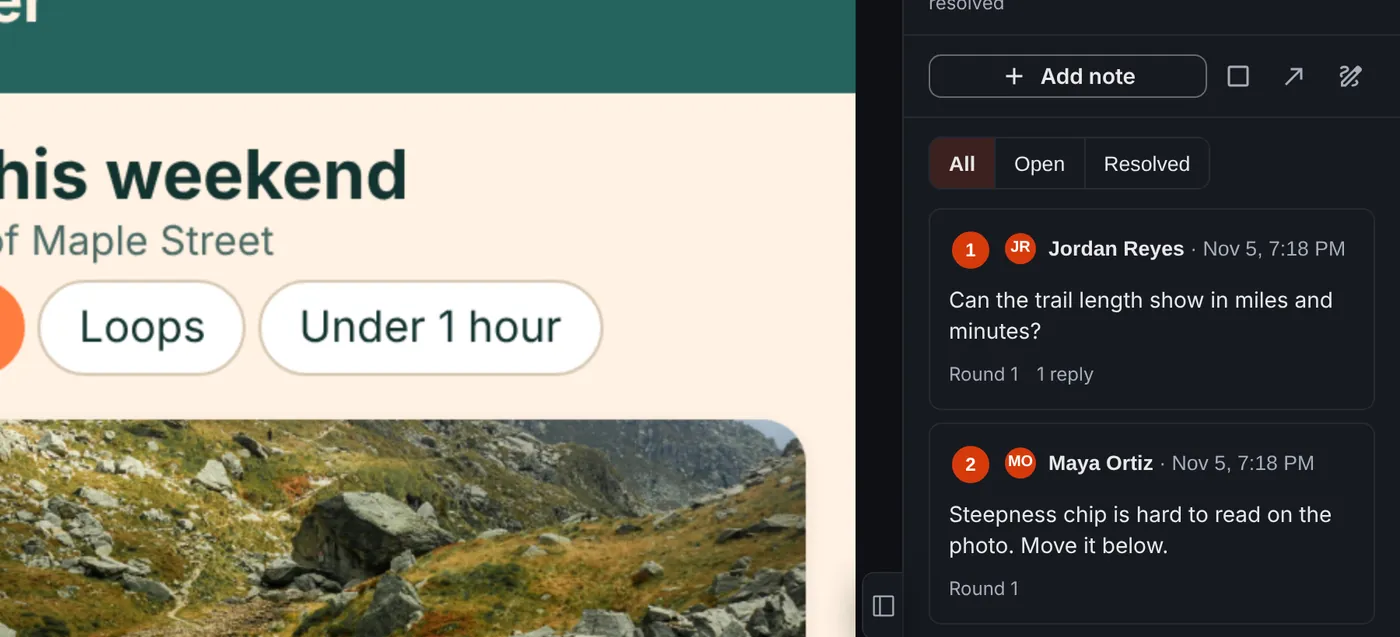
Pin comments on designs and live pages, test a prototype with real people, and get sign-off from the people who decide.
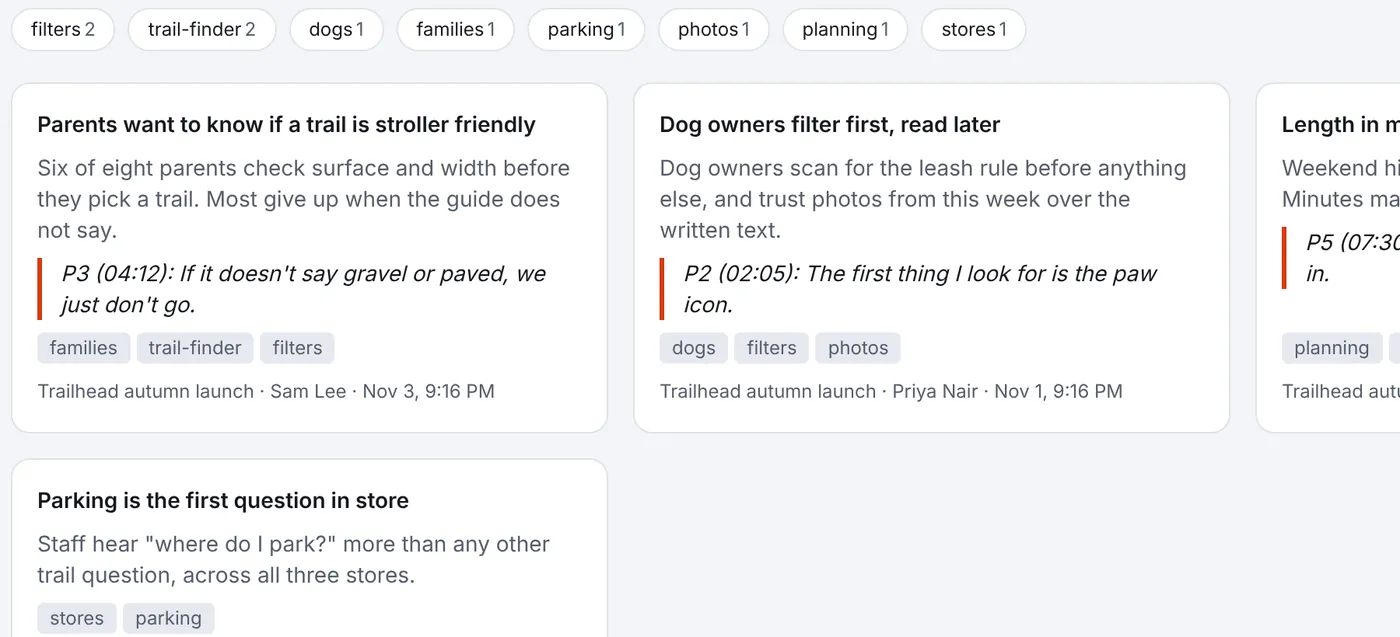
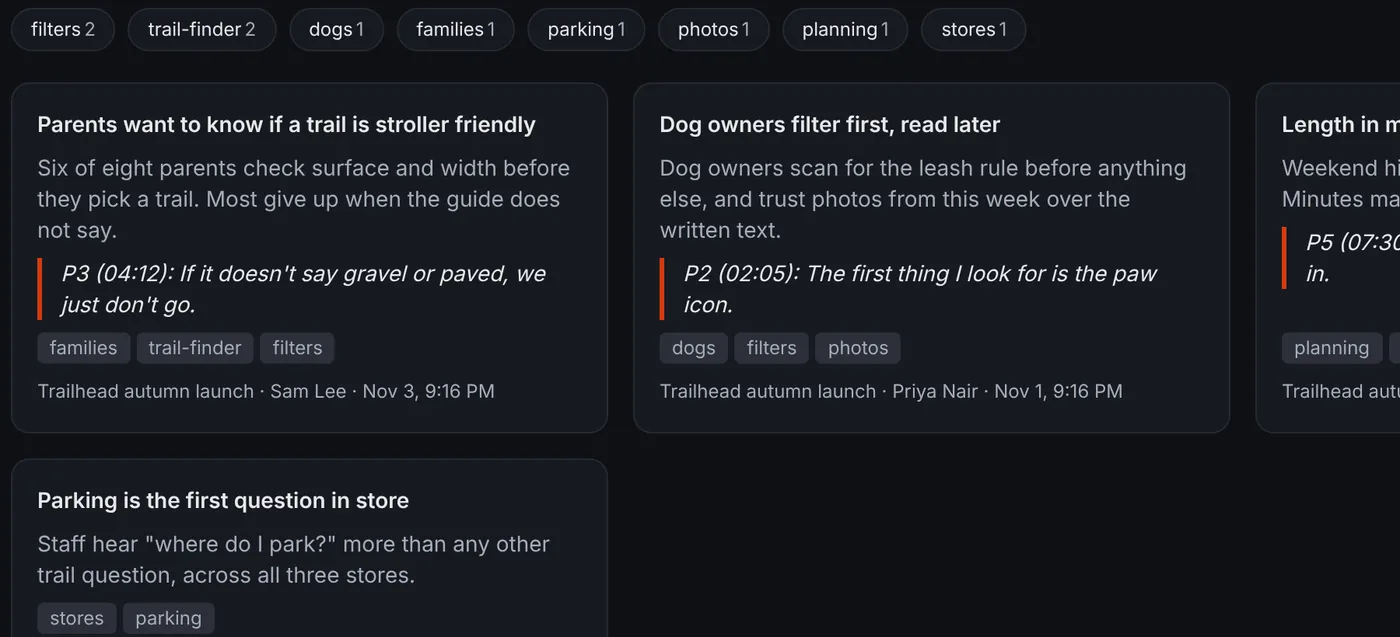
Research notes beside each project, plus practice interviews, personas and journey maps drafted with AI.
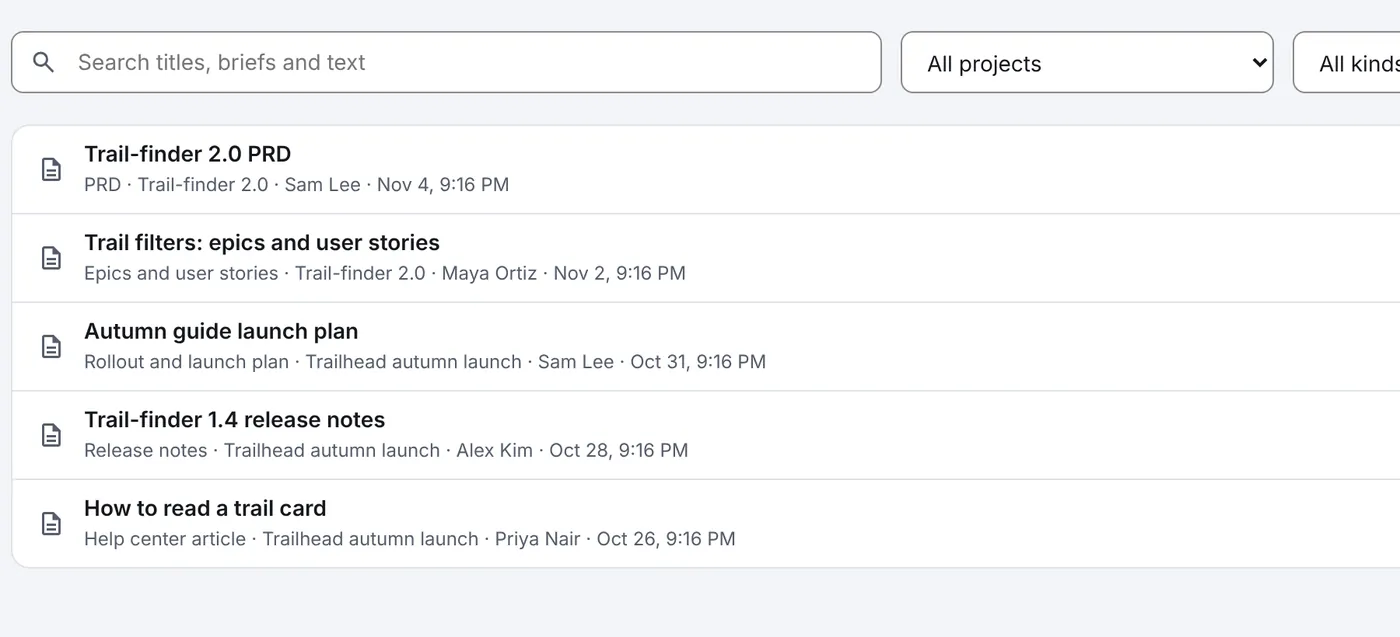
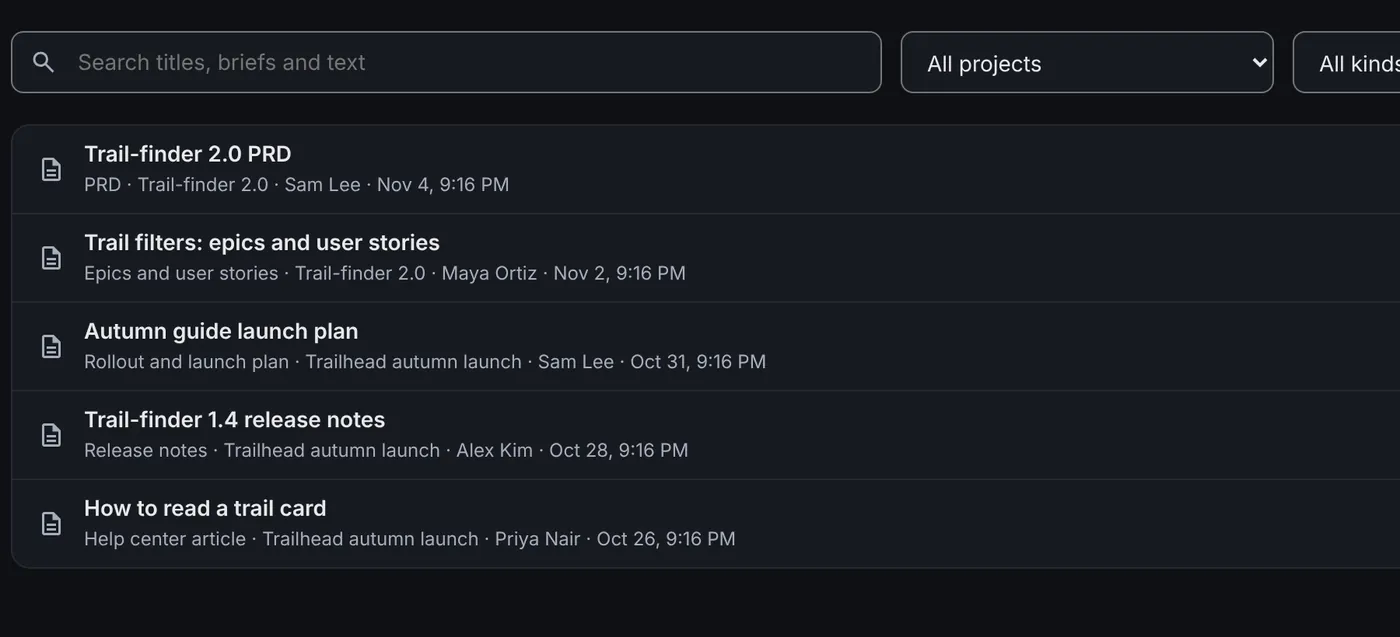
PRDs, user stories, release notes and more than twenty other kinds, drafted from the project’s own context.
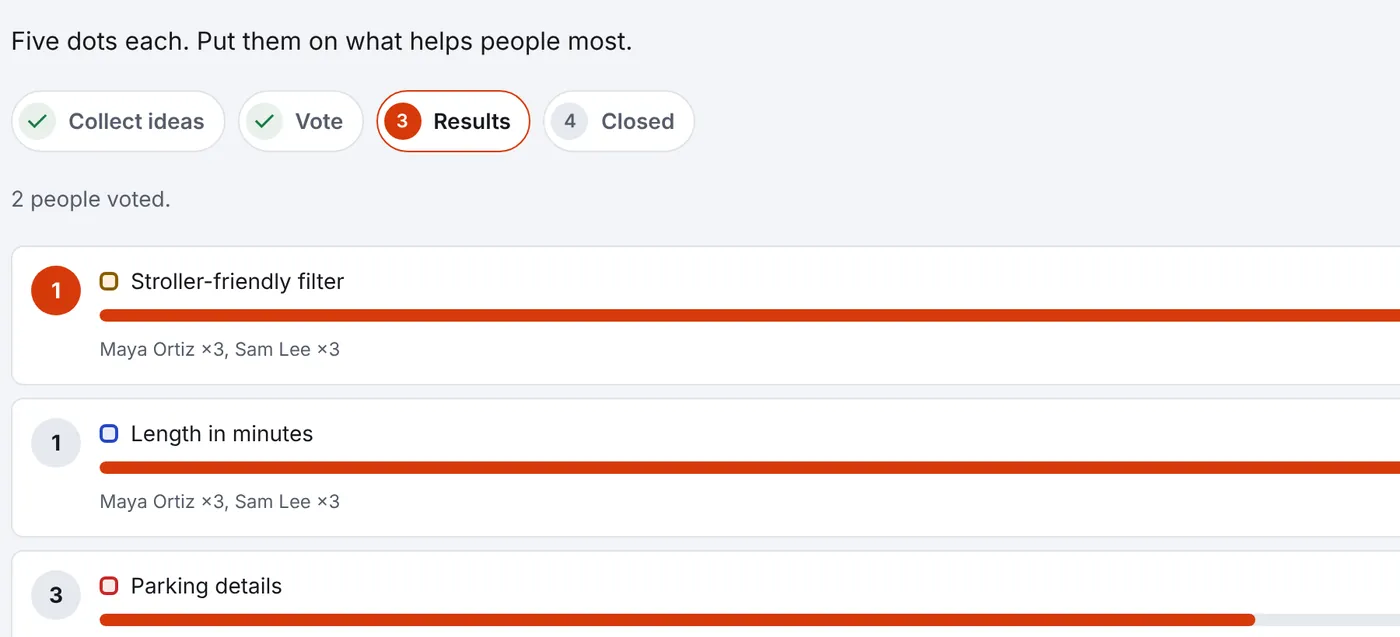
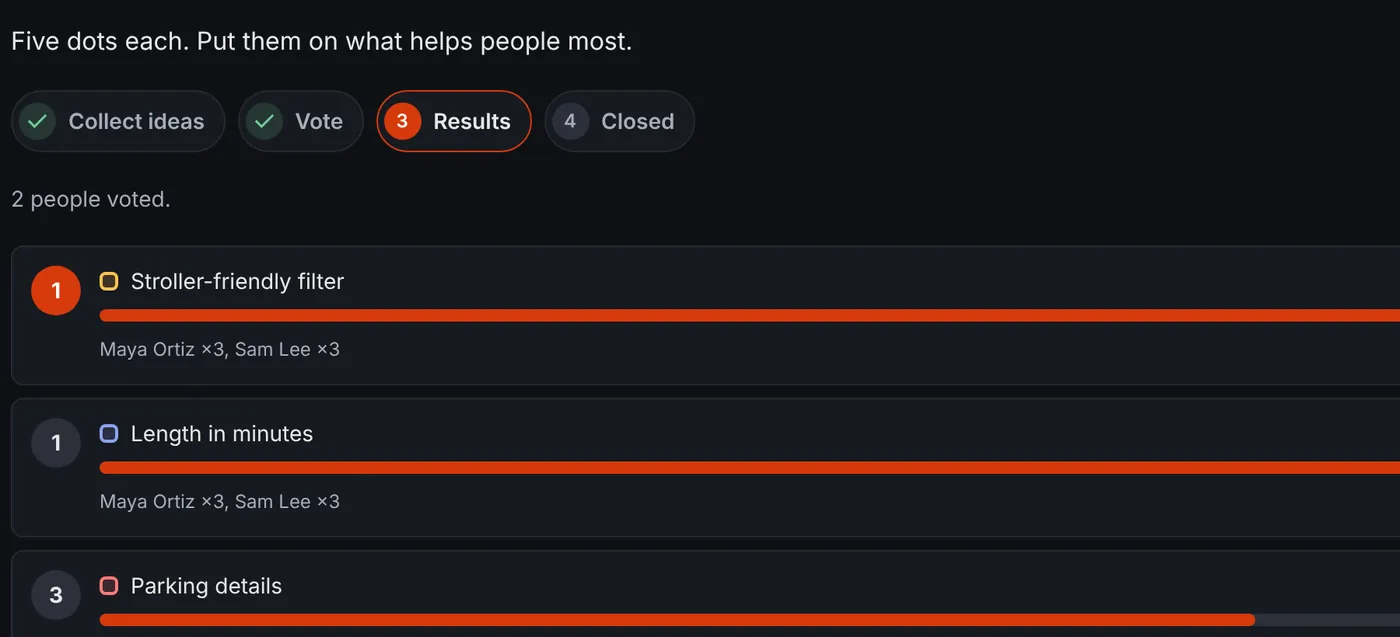
Boards the team edits together, and dot voting and an effort grid for deciding what comes next.
Jira, Confluence, Microsoft 365 and the other Gestalt apps, and AI agents that work with each person’s own access.
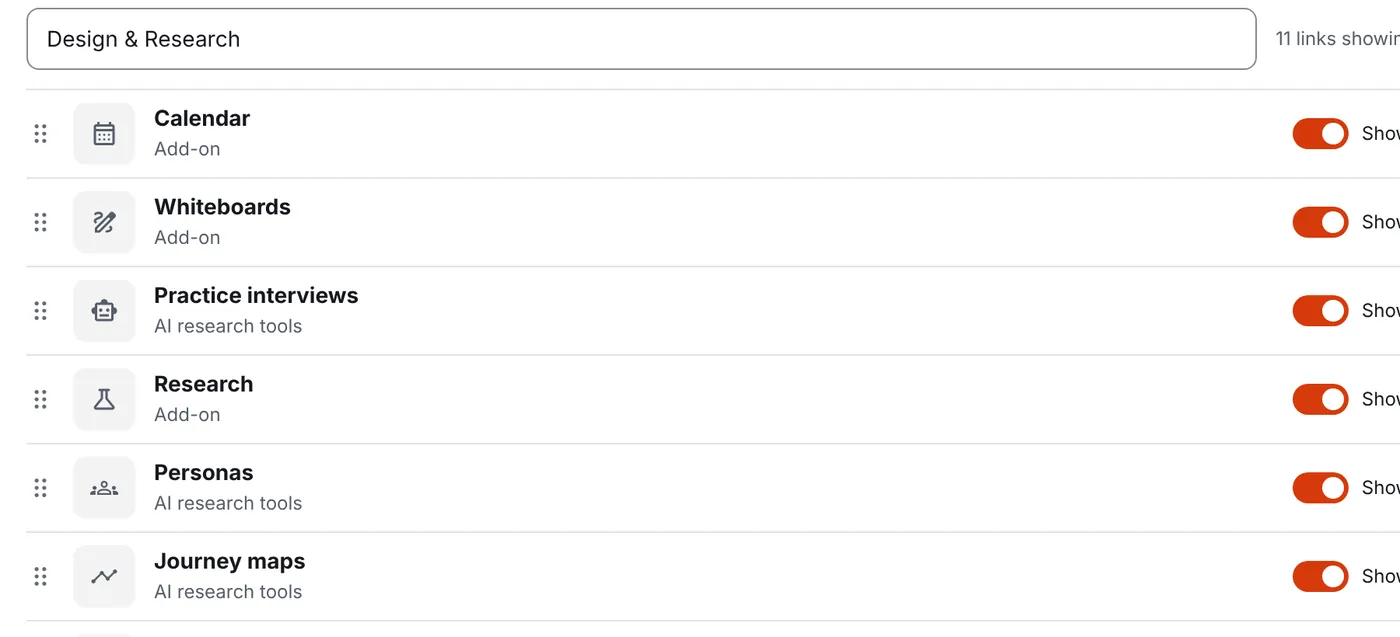
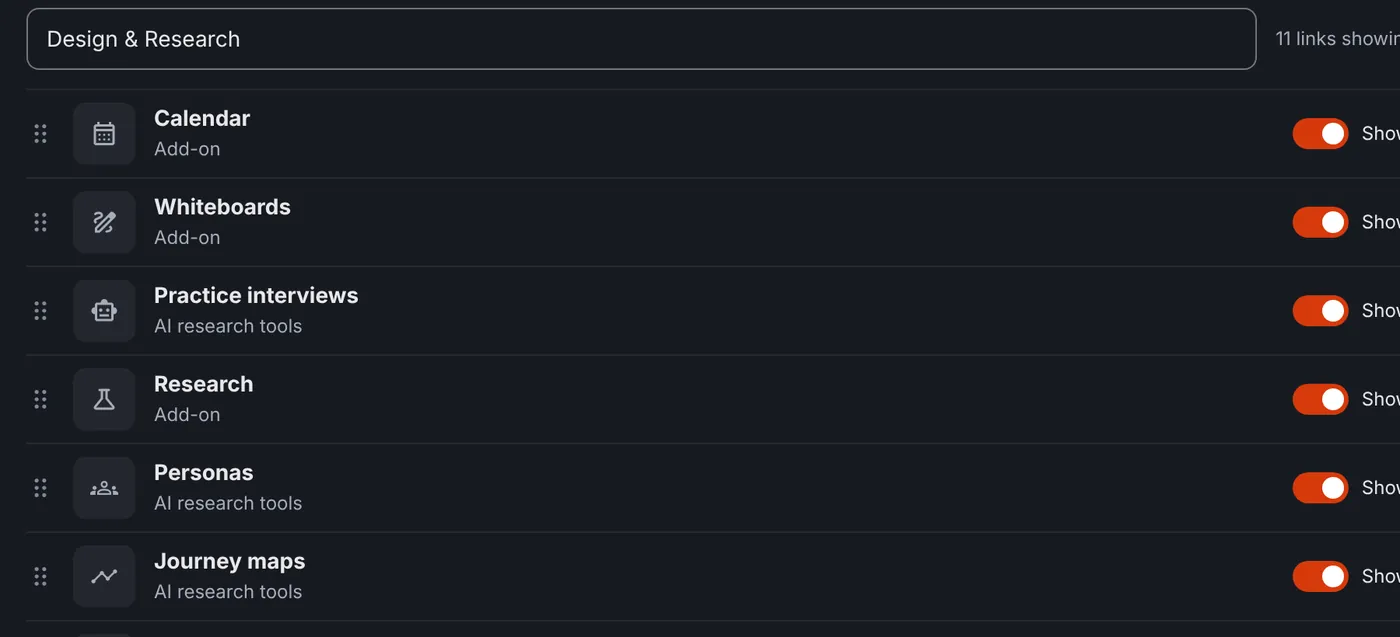
Turn each add-on on or off, choose who sees what, and add your own logo and colors.
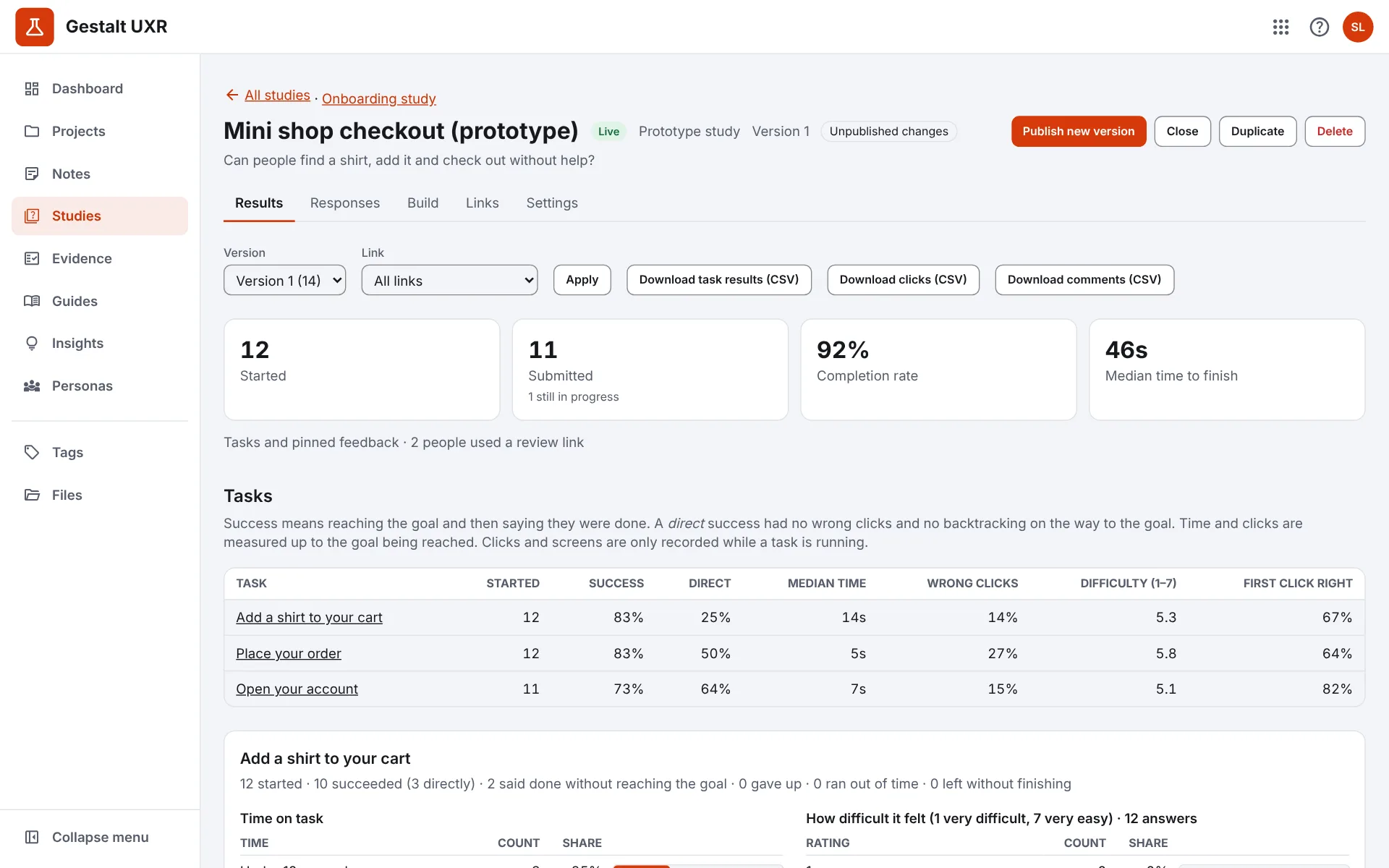
Research notes with quotes and tags, surveys, card sorts and prototype studies, kept private to your team and readable by your AI tools.
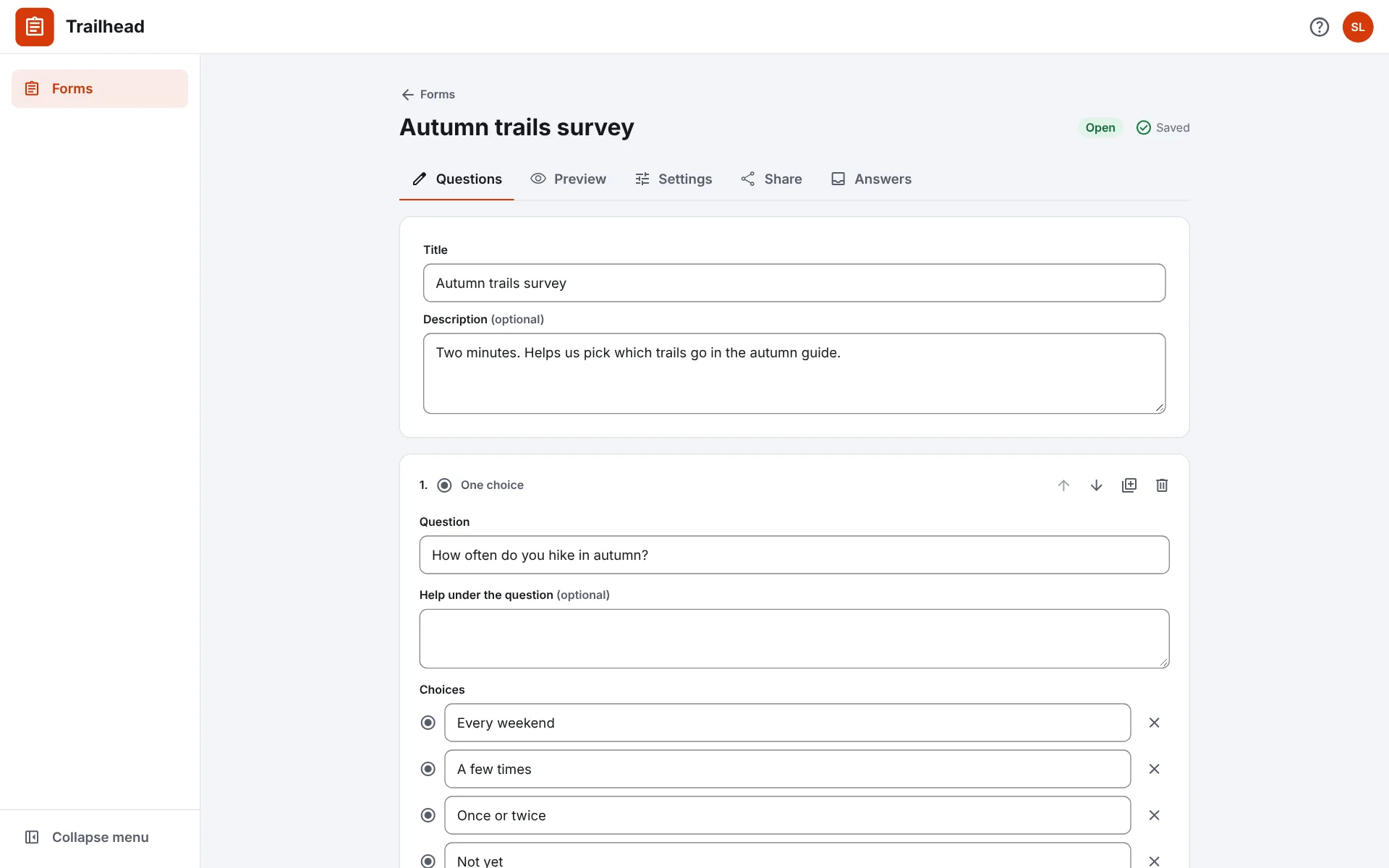
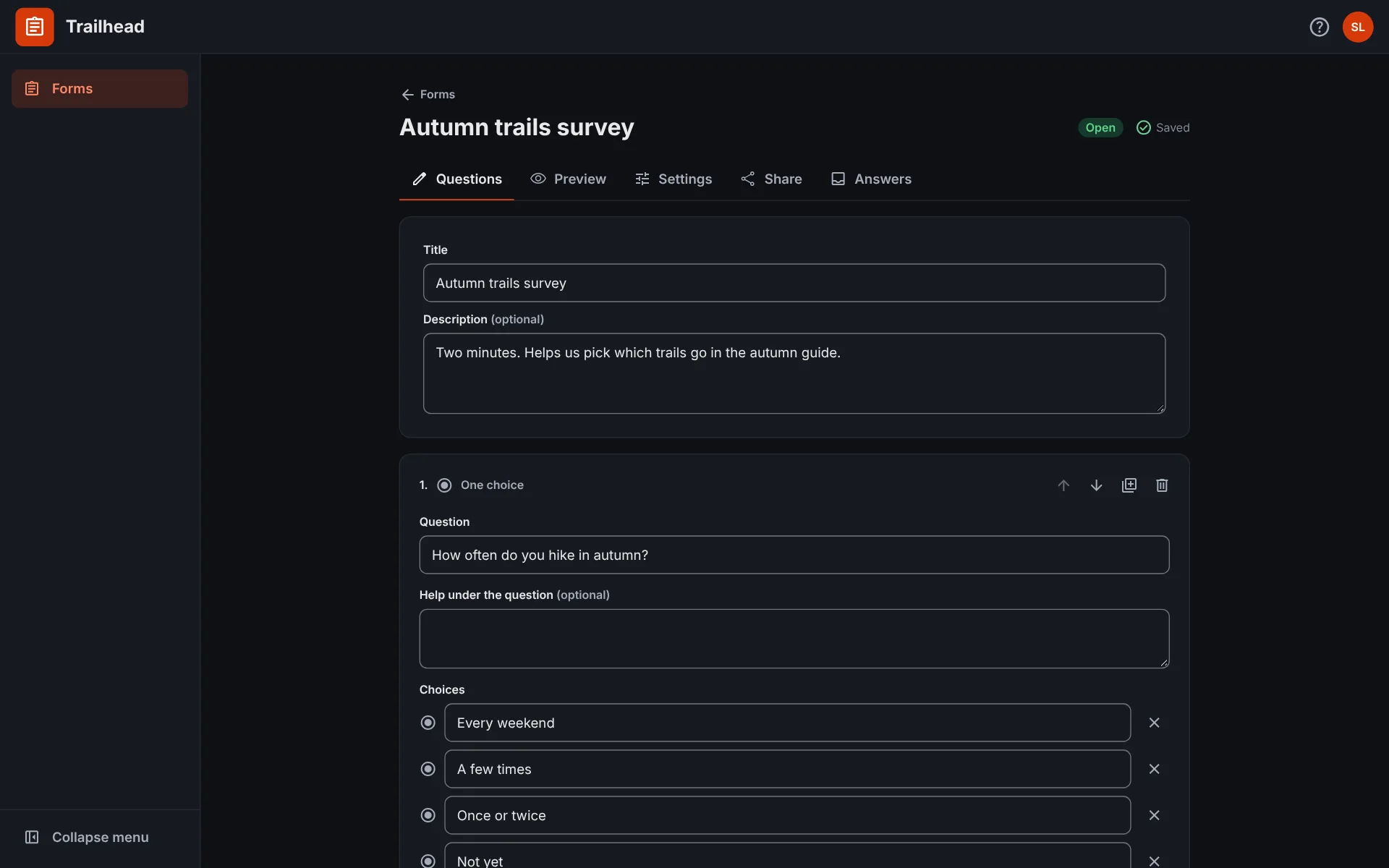
Forms and surveys with a public link, and every answer sent where the team works: Syllabary, PM, UXR, Slack or Teams.
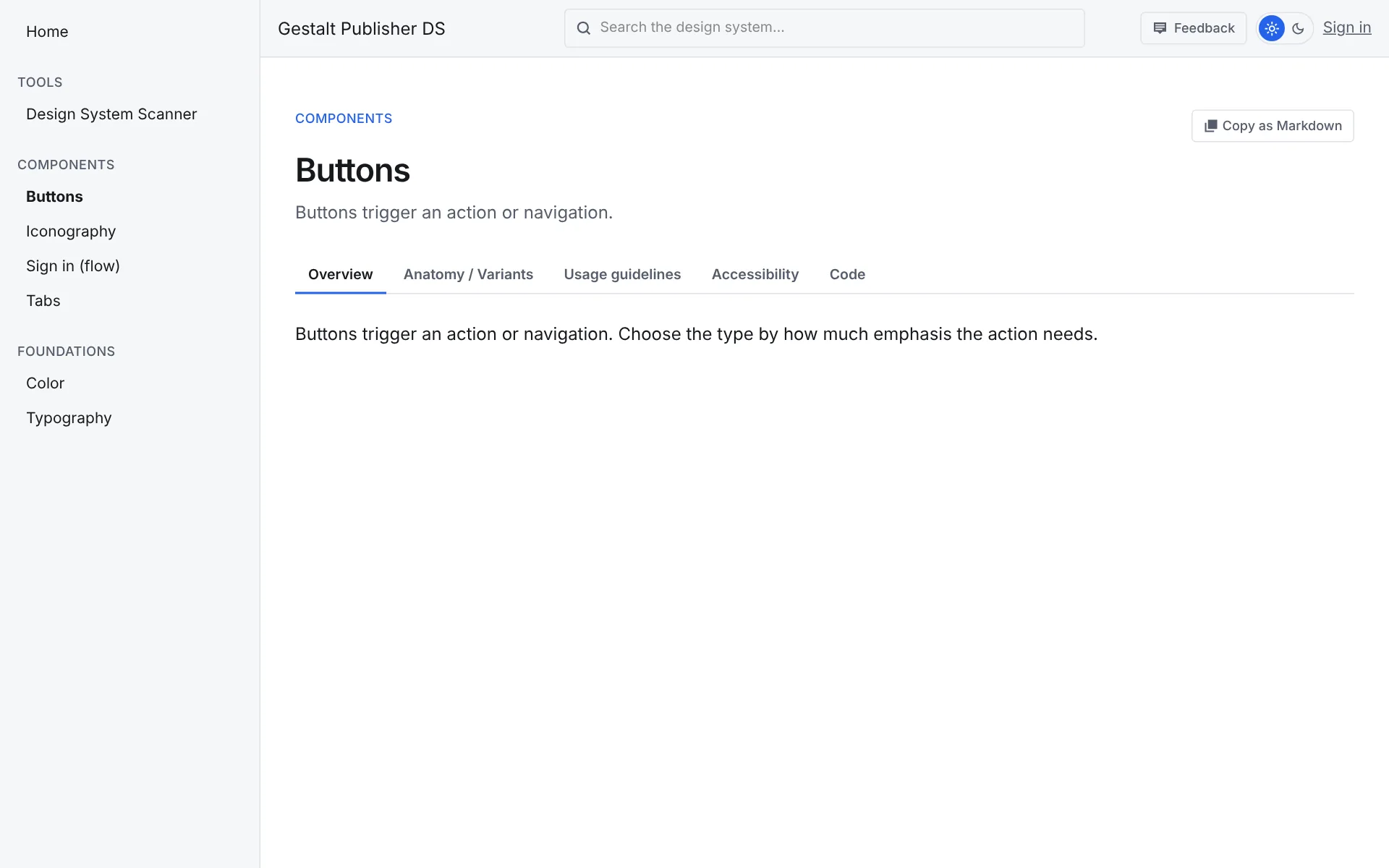
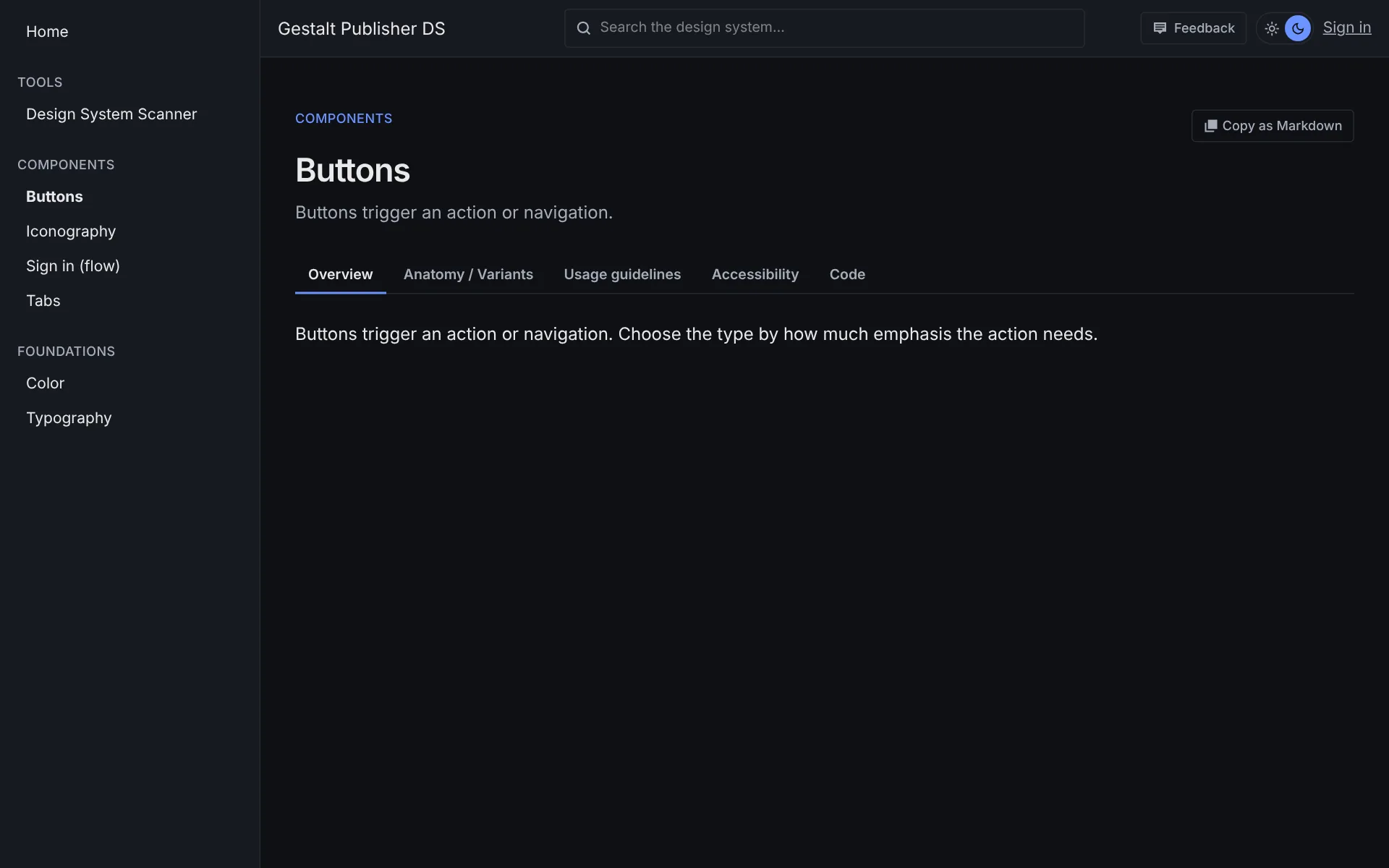
Publish your design system as a site people read and AI tools can use.